





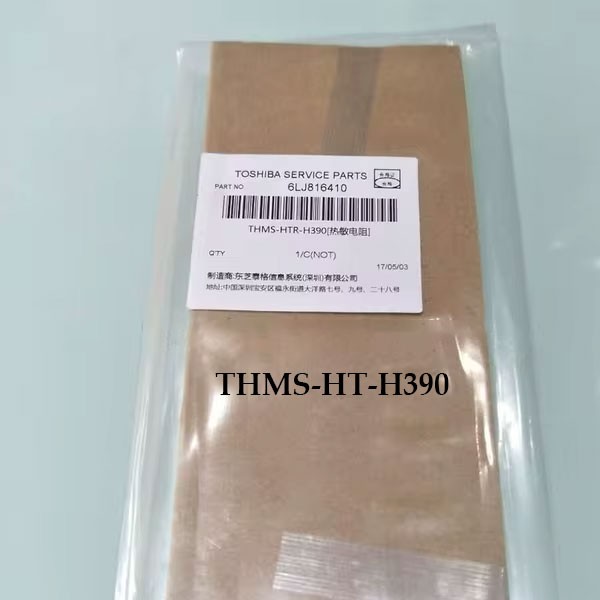
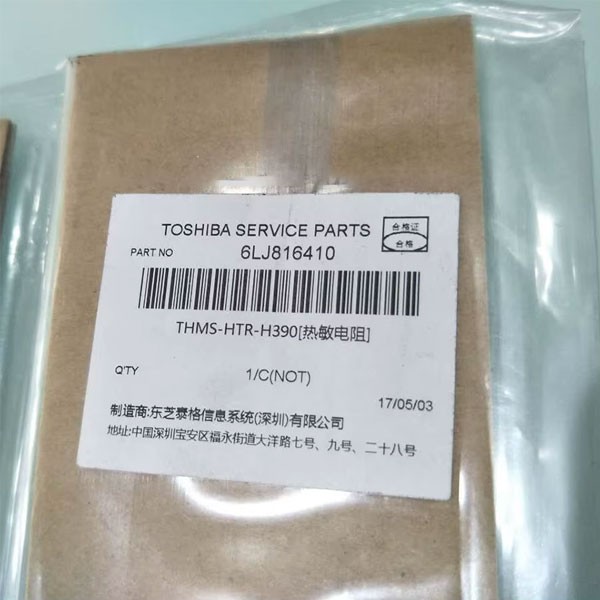
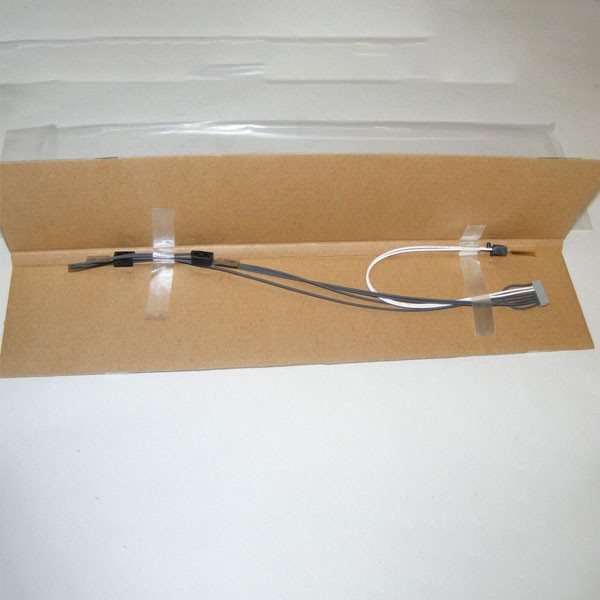
Toshiba THMS-HTR-H390 Original Fuser Thermistor
Inhouse product

Brand | |
Part No | THMS-HTR-H413 |
Part Name | 6LK724110 |
Product | Fuser Thermistor |
For Use | Toshiba e-STUDIO 2303A, 2303AM, 2309A, 2809A, 2803A, 2523A, 2523AD, 2323AM, 2823AM, 2329A, 2829A, 2323AMS, 2323AMW & 2823AMW Series Photocopiers |
Condition | 100% Toshiba Original & Genuine Parts |
Toshiba Fuser Thermistor THMS-HTR-H390 – 100% Original and Genuine Replacement for e-STUDIO Photocopiers
Ensuring optimal performance is key to maintaining your Toshiba e-STUDIO photocopiers. One often overlooked but essential component in the copier system is the Fuser Thermistor. If your Toshiba copier is experiencing issues with temperature control, such as overheating or inconsistent print quality, it might be time to replace the thermistor.
At Ideal Technology BD,
we offer the Toshiba
Fuser Thermistor (Part No: THMS-HTR-H390). This original, genuine replacement part guarantees excellent performance and reliability for many Toshiba e-STUDIO
models. In this blog, we’ll explore the importance of the Fuser Thermistor,
why you should choose an original part, and how to ensure your Toshiba copier
works at peak performance.
What is a Fuser
Thermistor?
The fuser thermistor
is a critical component within the fuser unit of a copier or printer. Its main
job is to monitor the temperature of the fuser, which is responsible for
bonding toner to the paper during the printing process. The thermistor ensures
that the fuser operates at the right temperature, preventing overheating and
ensuring the toner properly adheres to the paper.
If the thermistor
malfunctions, the fuser may become too hot or cold, leading to poor print
quality, toner smudging, or paper jams. In the worst case, an overheating fuser
could damage the copier. This is why it’s essential to replace a faulty
thermistor promptly.
Compatible
Toshiba e-STUDIO Models
The Toshiba Fuser Thermistor
THMS-HTR-H390 is explicitly designed for the following
Toshiba e-STUDIO models:
- e-STUDIO 2303A
- e-STUDIO 2303AM
- e-STUDIO 2309A
- e-STUDIO 2809A
- e-STUDIO 2803A
- e-STUDIO 2523A
- e-STUDIO 2523AD
- e-STUDIO 2323AM
- e-STUDIO 2823AM
- e-STUDIO 2329A
- e-STUDIO 2829A
- e-STUDIO 2323AMS
- e-STUDIO 2323AMW
- e-STUDIO 2823AMW
If you own one of these
models and are experiencing issues with your fuser unit, the Toshiba Fuser Thermistor
could be your solution.
Why Choose
Toshiba’s Original Fuser Thermistor?
Choosing genuine, original parts is crucial for copier parts' performance, reliability, and longevity. Here’s why the Toshiba
Fuser Thermistor THMS-HTR-H390 stands out:
- 100% Genuine Toshiba Quality: As an official Toshiba
part, it is designed specifically for Toshiba e-STUDIO photocopiers,
ensuring a perfect fit and optimal performance.
- Improved Copier Efficiency: The thermistor accurately monitors and regulates the temperature of the fuser unit, helping ensure your copier runs at peak efficiency and minimizing downtime and maintenance.
- Long-Lasting Performance: Genuine parts like this
thermistor are built to last, offering better durability and a longer
lifespan than third-party alternatives.
- Avoid Costly Repairs: Using a genuine Toshiba
thermistor reduces the likelihood of further damage to your fuser unit or
other copier components, ultimately saving you from expensive repairs.
How to Replace
the Fuser Thermistor?
Replacing a fuser thermistor can
be a simple procedure if done correctly. While we always recommend professional
service for any copier repair, here’s a general outline of how the replacement
works:
- Turn off the Copier: Before performing any
maintenance, ensure the copier is powered off and unplugged.
- Locate the Fuser Unit: The fuser unit is
typically inside the copier where the toner fuses to the paper.
- Remove the Old Thermistor: Carefully remove the old
thermistor from its position. You may need to remove screws or other parts
to access it.
- Install the New Thermistor: Insert the Toshiba Fuser Thermistor THMS-HTR-H390 into the designated slot and secure it.
- Test the Copier: Once the thermistor is
installed, plug the copier back in and perform a test print to ensure
everything functions correctly.
If you’re unsure about
performing this replacement, our team at Ideal
Technology BD is here to help with professional repair
services.
Get Your
Toshiba Fuser Thermistor Today!
If you want to restore
the performance of your Toshiba e-STUDIO photocopier, look no further than the Toshiba Fuser Thermistor
THMS-HTR-H413. Available now at Ideal Technology BD, our thermistors
are 100% genuine
and original,
ensuring the best quality for your copier.
Don’t let a malfunctioning thermistor disrupt your printing process. Order today and enjoy reliable performance and consistent print quality with your Toshiba e-STUDIO photocopier.
Related products
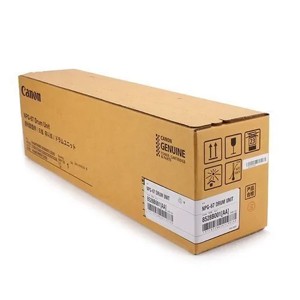
Canon NPG-67 Original Drum Unit
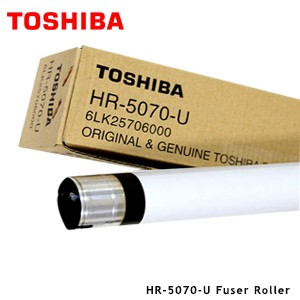
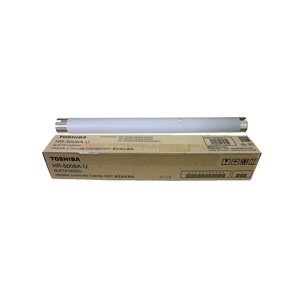
Toshiba HR-5070-U Upper Fuser Roller

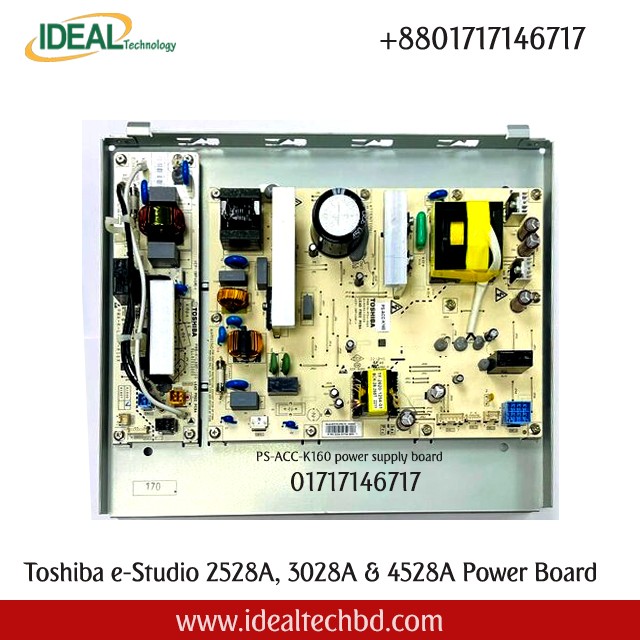
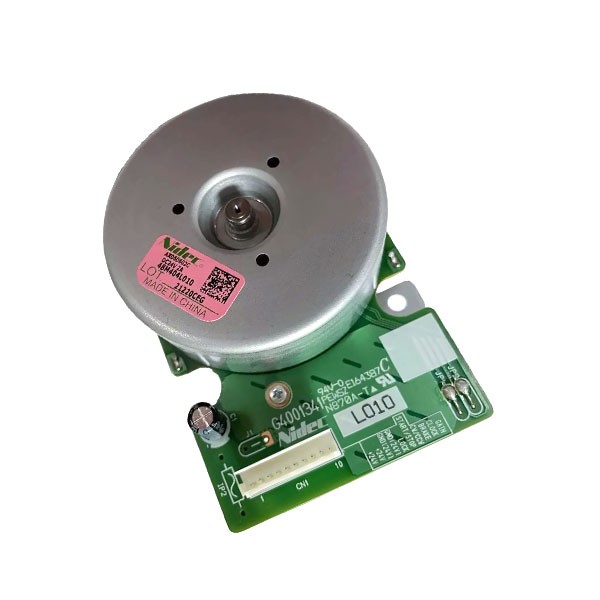
Ricoh MP 2014 Main Motor
Sharp MX-560DR Black Drum

Ideal Technology BD
is one of Dhaka’s leading printing and office‐tech providers. Our PrintPro Solutions division offers high‐quality printers, genuine color and
monochrome toner cartridges, on‐site maintenance, and consumables management.
Additionally, we provide office‐tech services including network infrastructure,
hardware supply, and workflow optimization. Committed to customer success with
competitive pricing and prompt response, Ideal Technology BD
is your trusted office‐tech partner.
Contact Info
- Address: Gulshan-2 Branch: DNCC Market (2nd Floor) , Suite: 107, Gulshan-2, Dhaka-1212 _______________________________________________________ Service Center: House: 119 Zaman Bhaban (3rd Floor), Nayanagar, Gulshan, Dhaka-1212
- Phone: 01717146717, 01703344123, 01711757481-84
- Email: ashraful@idealtechbd.com; info@idealtechbd.com