




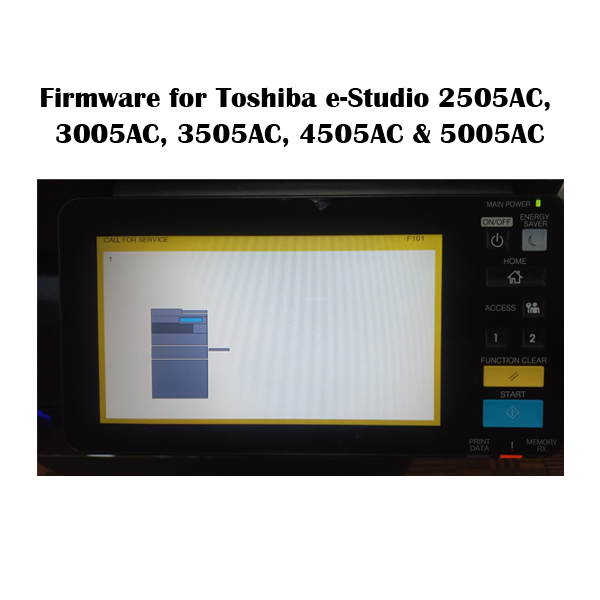
Firmware for e-Studio 2505AC, 3005AC, 3505AC, 4505AC, and 5005AC
Inhouse product
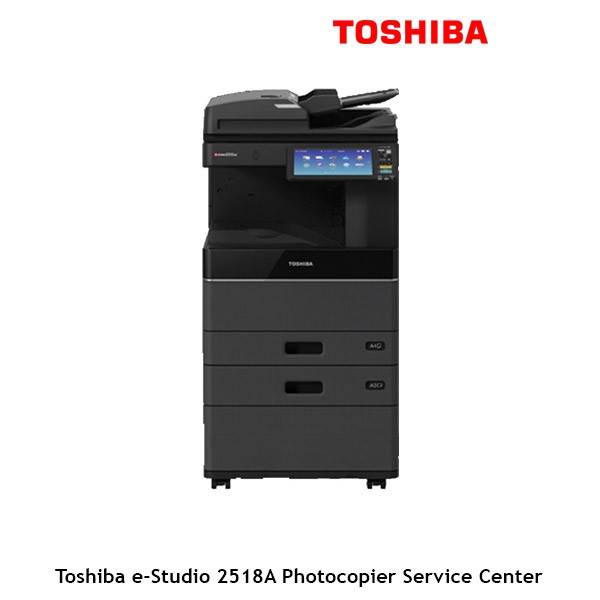
To
obtain firmware for the Toshiba
e-Studio 2505AC, 3005AC, 3505AC, 4505AC, and 5005AC
photocopiers, the best and safest way is through Toshiba’s official support
channels. Here's how you can proceed to find and install firmware updates for
these specific models:
1.
Visit the Official
Toshiba Support Website
- Website: Go to Toshiba Support or use the
localized version for your region.
- Search for Firmware: Enter the model number
(e.g., e-Studio 2505AC, 3005AC, etc.) into the search bar to find the product
page.
- Firmware Section: Look for any firmware or
software updates in the model page's "Downloads" or
"Support" section.
2.
Check for Firmware
in the Remote Management Interface
- Web Interface: Many Toshiba copiers have
a web-based management interface. To access this:
- Type the copier’s IP address in a web
browser.
- Login with the admin
credentials (usually default username:
admin, password:123456unless changed). - Go to the Maintenance or Firmware section and
check for any available updates.
- If a firmware update is
available, the copier can often automatically download and apply it.
3.
Contact Toshiba Firmware
Support in Bangladesh
- Customer Support: If the firmware is not
publicly available for direct download or unsure about the update,
contacting Toshiba’s
customer service or an authorized Toshiba service provider
is a safe option.
- Toshiba Firmware Dealers: They can provide the
firmware, assist with the update process, or arrange for a technician to
perform the update if necessary.
4.
Service Mode and
USB Update
- Some models allow firmware
installation through a USB stick in service
mode.
- To access the service mode,
you typically need to press a specific button combination while the copier
starts (e.g., pressing “8” on some models).
- After entering the service
menu, follow the on-screen instructions to load the firmware from a USB
drive.
5.
Toshiba e-BRIDGE
Service (for Remote Monitoring)
- If you have access to Toshiba e-BRIDGE service
software (used for remote monitoring and management of Toshiba devices),
it may help in checking for and installing firmware updates across
multiple devices.
- If your device supports e-BRIDGE, you may be able
to push firmware updates remotely from the software.
6.
Firmware Update
Instructions
- Backup Settings: Before updating, back up
the copier’s settings, as firmware updates can sometimes reset them.
- Follow Manufacturer Instructions: Always follow Toshiba's
official instructions carefully to avoid any risk of damaging the copier.
Final
Note:
Firmware
updates ensure your Toshiba copier operates efficiently, resolves bugs, and
maintains compatibility with newer technologies. However, applying firmware
incorrectly can result in issues, so always ensure you're using the correct
firmware version and follow Toshiba’s recommended procedures. If you cannot
find the firmware online, contacting Toshiba support or a qualified service
technician is the best option.
If you order online, a link will be given; you
can click on that link to download
International Purchase available @ +8801717146717
(Whatsapp)
What is the price of Firmware for Toshiba
e-Studio 2505AC-5005AC in Bangladesh?
The latest price of the Toshiba e-Studio 2505AC-5005AC Copier’s
Firmware in Bangladesh is ৳ 3,500.
You can buy the Firmware for Toshiba e-Studio 2505AC, 3005AC, 3505AC, 4505AC,
and 5005AC in Bangladesh at the best price from Ideal Technology Online Shop,
Bangladesh.
Related products
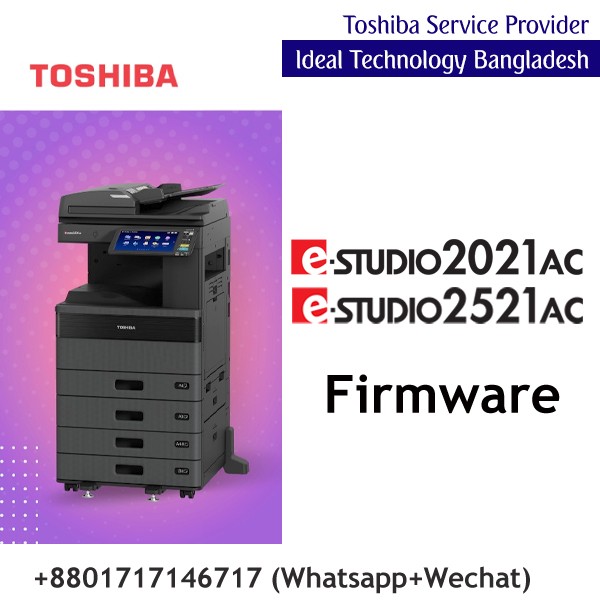

Ideal Technology BD
is one of Dhaka’s leading printing and office‐tech providers. Our PrintPro Solutions division offers high‐quality printers, genuine color and
monochrome toner cartridges, on‐site maintenance, and consumables management.
Additionally, we provide office‐tech services including network infrastructure,
hardware supply, and workflow optimization. Committed to customer success with
competitive pricing and prompt response, Ideal Technology BD
is your trusted office‐tech partner.
Contact Info
- Address: Gulshan-2 Branch: DNCC Market (2nd Floor) , Suite: 107, Gulshan-2, Dhaka-1212 _______________________________________________________ Service Center: House: 119 Zaman Bhaban (3rd Floor), Nayanagar, Gulshan, Dhaka-1212
- Phone: 01717146717, 01703344123, 01711757481-84
- Email: ashraful@idealtechbd.com; info@idealtechbd.com